

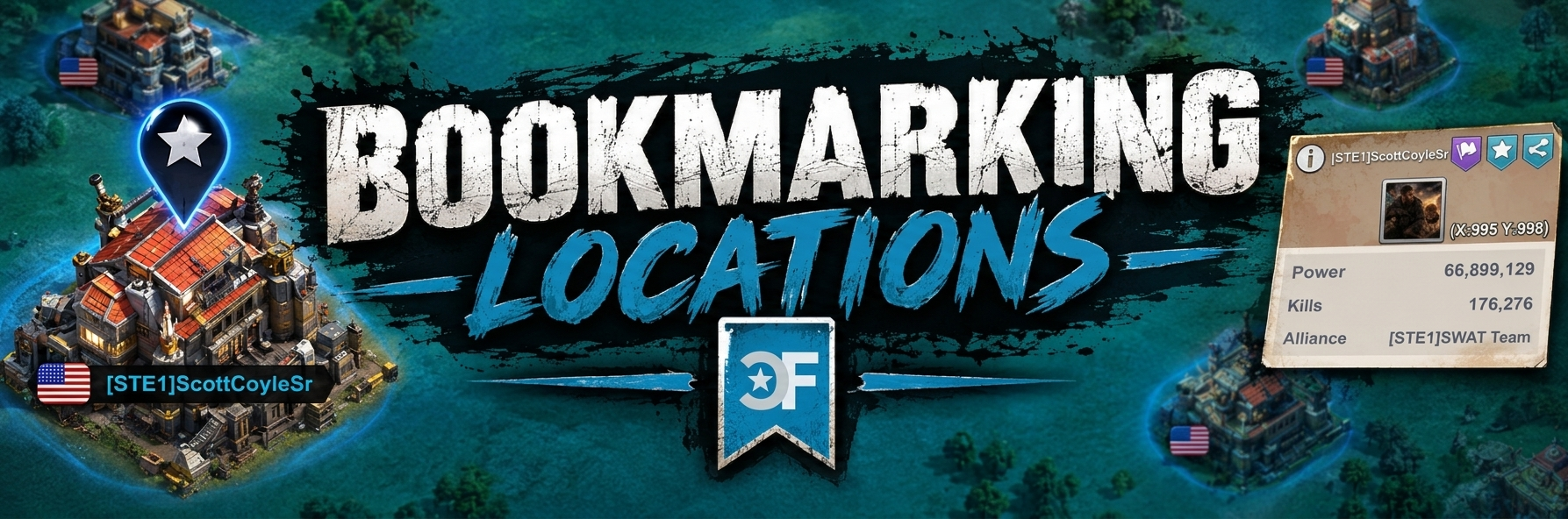

One of the key need to know items in game, especially with our alliance is learning how to make a bookmark. This way you can easily return to your assigned location.
Saving your Location

- From the World Map
- Click on Your HQ/Castle
- Click on the Purple Flag
- Click Bookmark tab
- Type in Name Search Bar
- Click Special Button
- Submit via Confirm Button

Returning to Spot

- Ensure your on World View
- At the far most bottom left
- Click the Search/Magnifying Glass
- Click the Special tab
- Find your Bookmark
